
How to Navigate Campus Resources for Academic and Personal Growth
Jul 24, 2026



Rows of shelves stretch out before you as you enter a vast library, filled with books, journals, maps, and countless resources. The sheer number of options can make it tough to know where to start or how to locate the materials you want. Navigating this environment becomes much easier when you know what to expect and how to approach each section. This guide will walk you through each part of the process, helping you move smoothly from feeling unsure to feeling prepared and confident as you begin your research journey.
You will learn how to find items with the automated catalog, shape your search terms for better matches, tap into rare collections, make the most of online archives, work side by side with librarians, and keep your sources neatly organized. By the end, you’ll treat the library like a second home, armed with practical tips you can use right away.
You can repeat these steps with different combinations of terms to uncover hidden gems. Some materials live offsite or need special permission; the catalog often flags those so you know what extra steps to take.
Remember to check both print and electronic holdings. If something you want appears unavailable in one format, a digital version might be just a few clicks away.
When you encounter dead ends, swap one term for a synonym or check an index for alternate phrasing. If the catalog returns hundreds of results, sort by relevance or date, then skim titles to spot the most useful entries.
A simple, focused approach usually beats clumping too many ideas into your query. As you refine your technique, searches become faster and more precise, freeing up time for reading.
Archives, manuscripts, rare books, maps, and audiovisual materials often stay in sections separate from general stacks. Many libraries require a special request form or advance notice before granting access. Check online guides or talk to a staff member to learn each collection’s rules.
Plan ahead: some items need shady rooms or white gloves, and handling protocols can differ. You might also find digital surrogates for fragile artifacts. Scanning and photography policies vary, so confirm what’s allowed before you visit.
Use finding aids—detailed inventories or folder lists—to locate specific boxes or items. These aids live online or in print at the special collections desk. Once you grasp their structure, you can pinpoint correspondence, unpublished data, or early editions that others rarely use.
Don’t wait until the last minute. Popular collections sometimes require reservations weeks ahead. Booking in advance ensures you’ll have the time and space to work without rushing.
Beyond the physical shelves, libraries host a treasure trove of databases, e-journals, and digitized archives. You may already have access to *JSTOR*, *PubMed*, or *Project MUSE*. Explore the full list on the library’s website, organized by subject or format.
Some platforms let you save articles to personal folders or email citations directly. Create an account where available to track your reading history and build custom alerts for new publications. These features help you stay on top of niche topics without constant manual checks.
If your institution offers a virtual private network (VPN), install it on your device. This tool lets you reach subscription-only content from anywhere, just as if you were on campus. You won’t miss out on research articles or reports when you’re off site.
Finally, check out open-access repositories such as *arXiv* or *Directory of Open Access Journals*. These free resources host thousands of peer-reviewed papers and preprints. By mixing subscription and open-access sources, you cover more ground without hitting paywalls.
Librarians do more than shelve books. They understand classification schemes, offsite storage, interlibrary loans, and specialized tools you’ve never heard of. Drop by a help desk or schedule a one-on-one session to discuss your topic.
Prepare questions in advance: what keywords have you tried? Which databases have you checked? That background helps librarians pinpoint resources faster. They can also suggest methods for citing unusual sources like archival letters or data sets.
Many libraries offer research workshops or drop-in hours on citation software and data management. Attend a session to learn tips for *Zotero*, *EndNote*, or other reference tools. Hands-on training will save you hours when you compile bibliographies.
Don’t hesitate to send follow-up emails if you encounter a problem later. Librarians often provide ongoing help throughout a project. Their goal is to help you finish research with less stress and better results.
Once you gather books, articles, notes, and PDFs, chaos can quickly take over. Start by creating a clear folder structure on your computer or cloud drive. Group files by topic or project phase, and use consistent file names that include dates or author names.
If you use physical notebooks, label each section and date your entries. A simple table of contents at the front can guide you back to key observations. For handwritten notes, snap photos or scan pages so you have digital backups.
Use a citation manager to keep track of bibliographic details. Adding tags or keywords inside that software makes it easy to filter sources later. You’ll avoid fumbling around for a citation when you write your final paper.
Finally, set aside regular review sessions. Make time each week to skim through new additions, update your index of notes, and discard duplicates. Keeping up with your material prevents last-minute panic when deadlines approach.
Follow these steps to confidently navigate academic libraries and improve your research skills. Practice each tip in order and adapt them to your style, making the stacks less intimidating over time.

Planning your course registration ahead of time sets you up for a smooth experience before the semester kicks off. Mark important dates for registration, prepare all the...
Jun 10, 2026

Exploring a unique field through direct experience can open new possibilities for your academic and professional journey. Many people feel boxed in by the usual choices,...
Sep 16, 2026
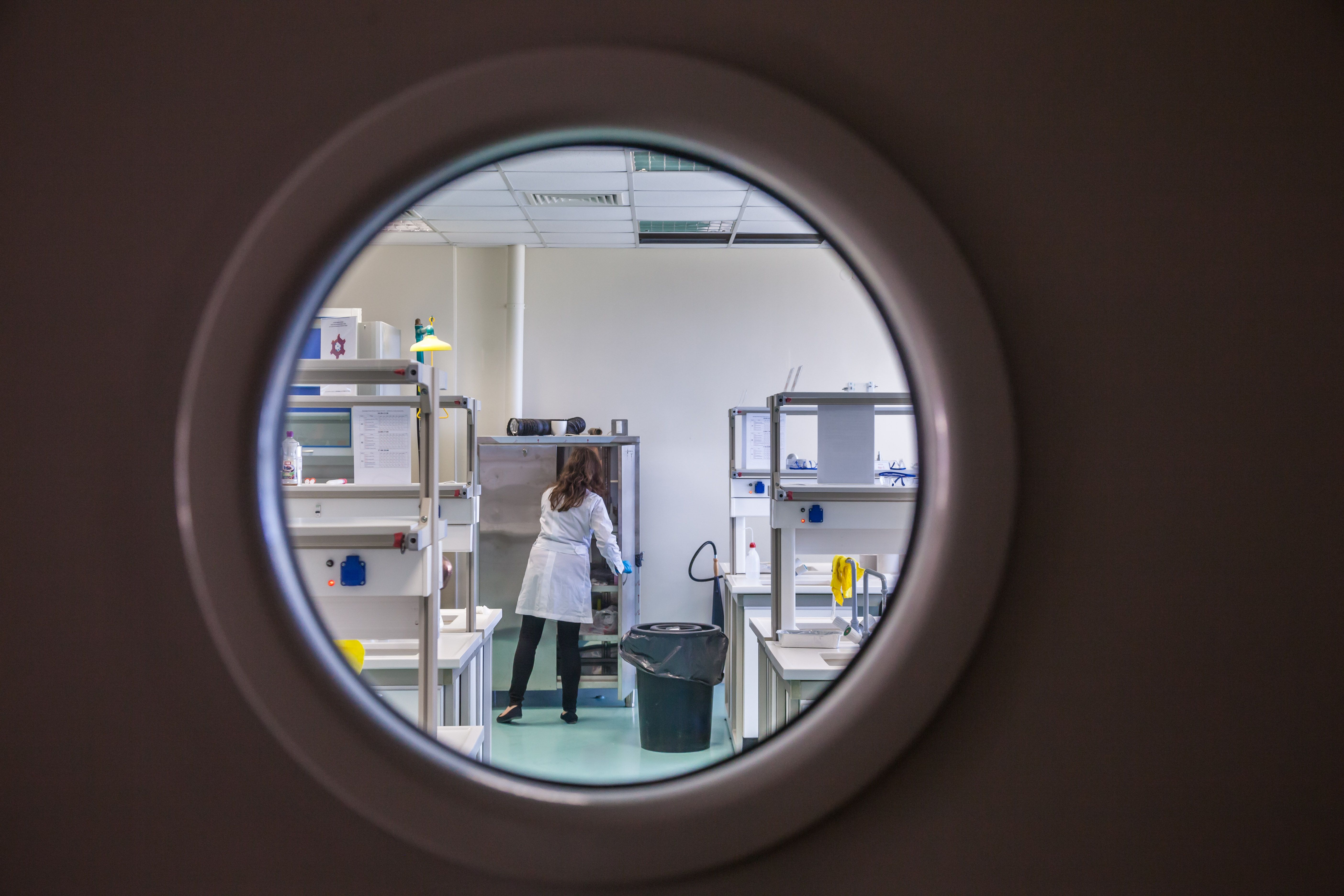
Undergraduate research opens the door to an exciting, unfamiliar world beyond the classroom. Lab benches replace desks, and experiments take the place of lectures,...
Jun 21, 2026

Securing a graduate school assistantship opens the door to valuable experiences and helps reduce the burden of tuition costs. These positions offer practical...
Jun 24, 2026

Choosing whether to pursue a future in research or enter the corporate world often brings a mix of excitement and uncertainty. You might find yourself reflecting on...
Sep 24, 2026

Signing up for a virtual fair opens the door to meeting recruiters from all over the world, each offering unique opportunities for internships, mentorships, or exciting...
Aug 09, 2026

Exploring the opportunity to study abroad brings excitement and a sense of adventure, but it often comes with challenges such as visa applications and admission...
Sep 04, 2026

Paying for college often means managing tuition bills, various fees, and everyday living costs, which can seem overwhelming at times. Understanding exactly what each...
Jun 28, 2026

Tackling a major entrance test often brings a mix of nerves and anticipation, yet organizing your preparation into manageable steps makes the process much easier. Years...
Jun 15, 2026

Creating an impressive portfolio often seems challenging while juggling coursework, research, and upcoming presentations. Showcasing your top projects should be simple...
Aug 16, 2026

Landing a summer fellowship brings exciting opportunities to expand your skills and advance your career. You might find yourself working side by side with researchers in...
Jul 05, 2026

Building an impressive academic portfolio involves curating your achievements and presenting them in a way that captures the attention of graduate admissions committees....
Aug 19, 2026

Confidence fills the room as you join a meeting and share your ideas with ease. You listen attentively, nodding in understanding, and contribute thoughtful questions...
Sep 21, 2026

Balancing classes, projects, social activities, and personal well-being can feel overwhelming during college. Across campuses worldwide, new technologies help students...
Sep 12, 2026